
Your brand, with a face.
Create your brand’s own character once — a realistic AI human, a mascot, or you and your team from photos — and Tapost keeps them recognisable in every post.
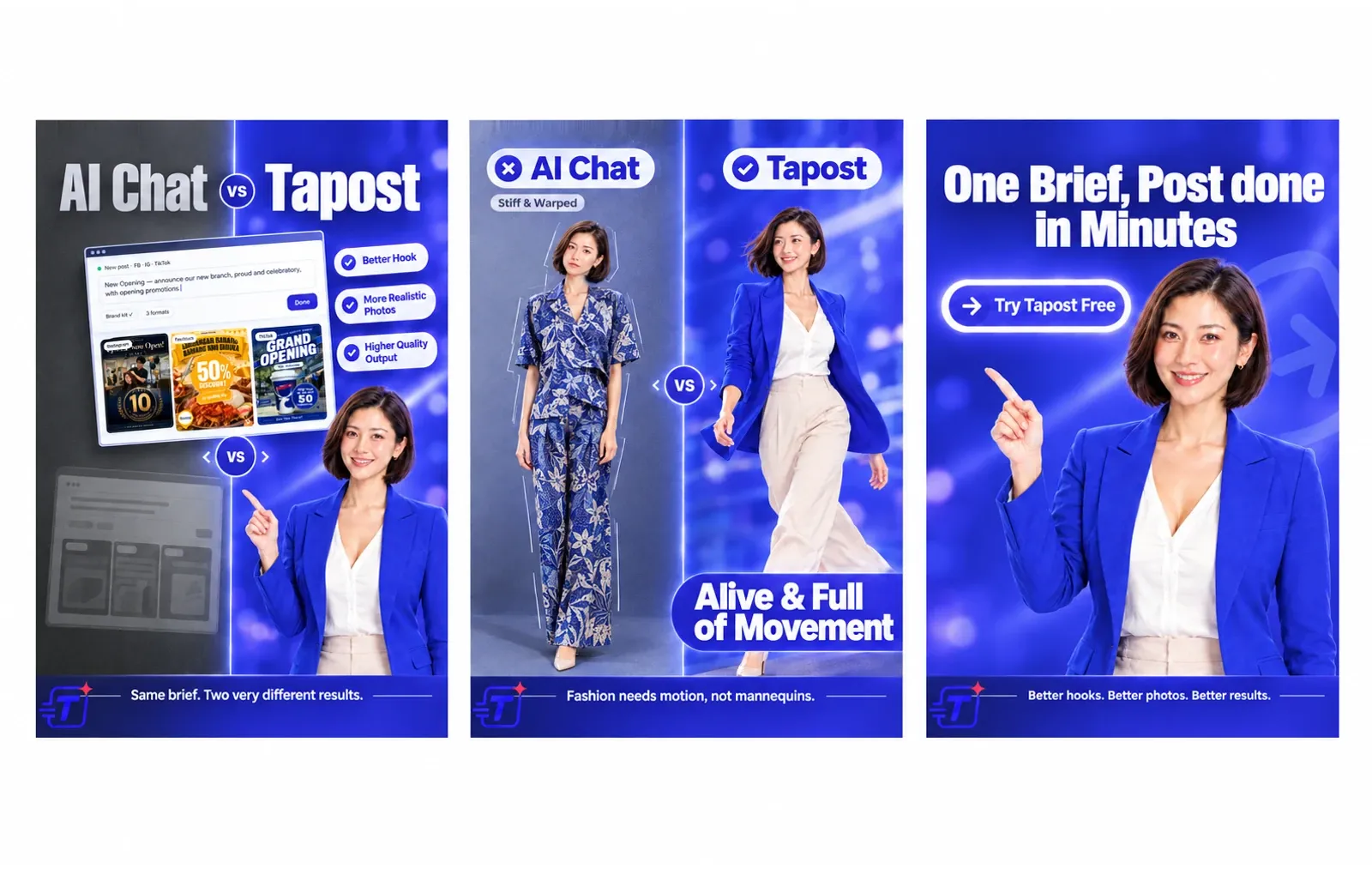
One character. Every post. Always recognisable.
Keeping the same face across posts usually takes a photoshoot or an illustrator on retainer. Stock faces are generic, and most AI image tools draw a different person every time. Tapost keeps one face in every post.
Create one
Describe them, build them from your photos, or start from one of the five characters Tapost suggests for your brand.
Approve the reference sheet
Pick your favourite of three takes. It becomes a reference sheet you review and approve.
Name them in any brief
Write “Siti introduces our new menu” and Tapost attaches Siti to the post automatically.
Four ways to create one
Start from a suggestion, a description, a reference photo or photos of you and your team.
Suggested for you
Tapost designs five starter characters for your brand — three realistic people, a mascot for your industry and a wildcard style — cast to fit your market, audience and language. You’ll find them during onboarding and on the Characters page. Pick one, tweak it, adopt it.
Describe it
Write how they look, their work outfit and the style. Leave the outfit blank and Tapost designs one in your brand colours. Like an art director, it fills in whatever you didn’t specify — face, hair, build, a signature detail — so your character doesn’t come out generic.
Describe from a photo
Upload a reference photo and Tapost writes the description for you. The photo is only read — it’s never used to draw.
Real person
Upload photos of yourself or your staff. Tapost checks the angles and quality, then builds the character from them. You confirm you have the right to use the photos.
Nine styles, from real to drawn
Pick the look that fits your brand — or describe your own.
- Real personFrom your photos
- Realistic AI human
- MascotIllustrated
- 3D mascot
- Chibi / sticker character
- Cartoon human
- Anime character
- Stylized humanSemi-real
- Custom styleDescribe your own
Three takes. Your call.
Choose a take, polish it, then approve the reference sheet before your character goes live.
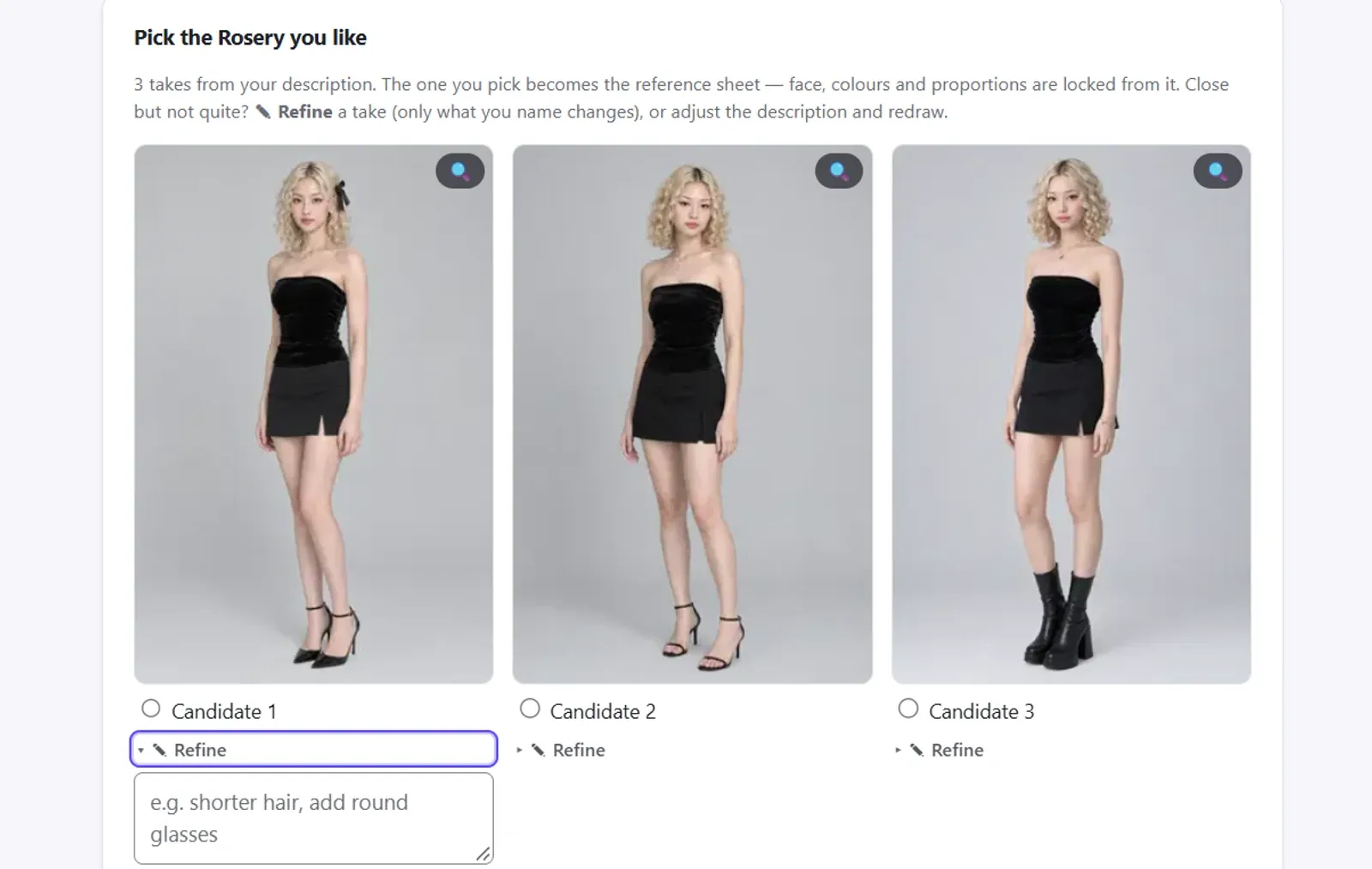
Pick and polish
Tapost draws three takes. To refine one, type the change — “shorter hair”, “add glasses” — and only that changes; the rest of the design stays. Or adjust the description and redraw.
- Three takes to choose from
- ✎ Refine changes only what you type
- Or adjust the description and redraw
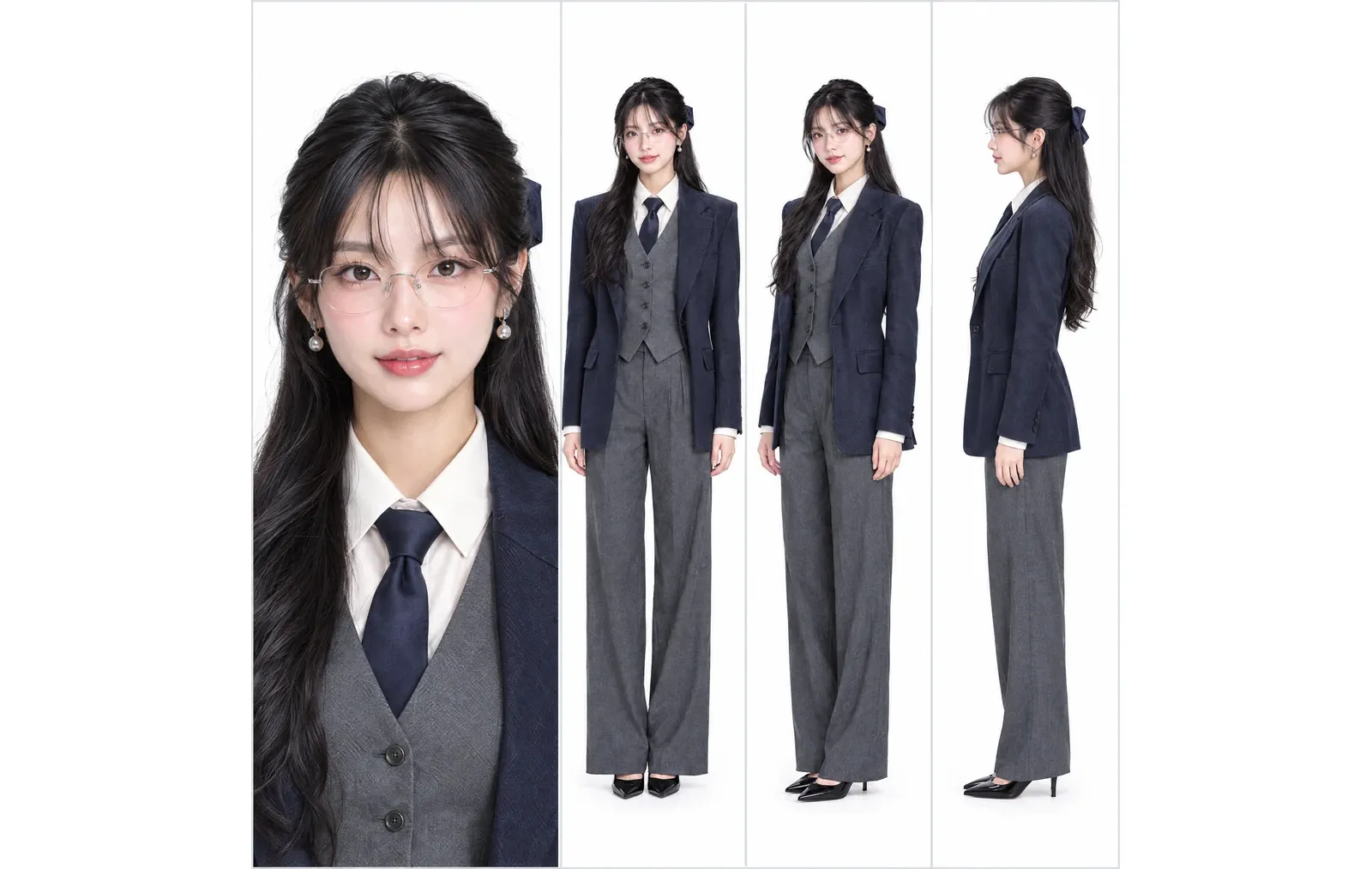
Approve the reference sheet
The take you choose becomes a reference sheet that shows the character from several angles. You review and approve it before the character goes live.
- The character from several angles
- Approved by you before it goes live
Name them in a brief. They’re in the post.
Characters work across single posts, carousels, posters and infographics — and when you ask for changes to an image.
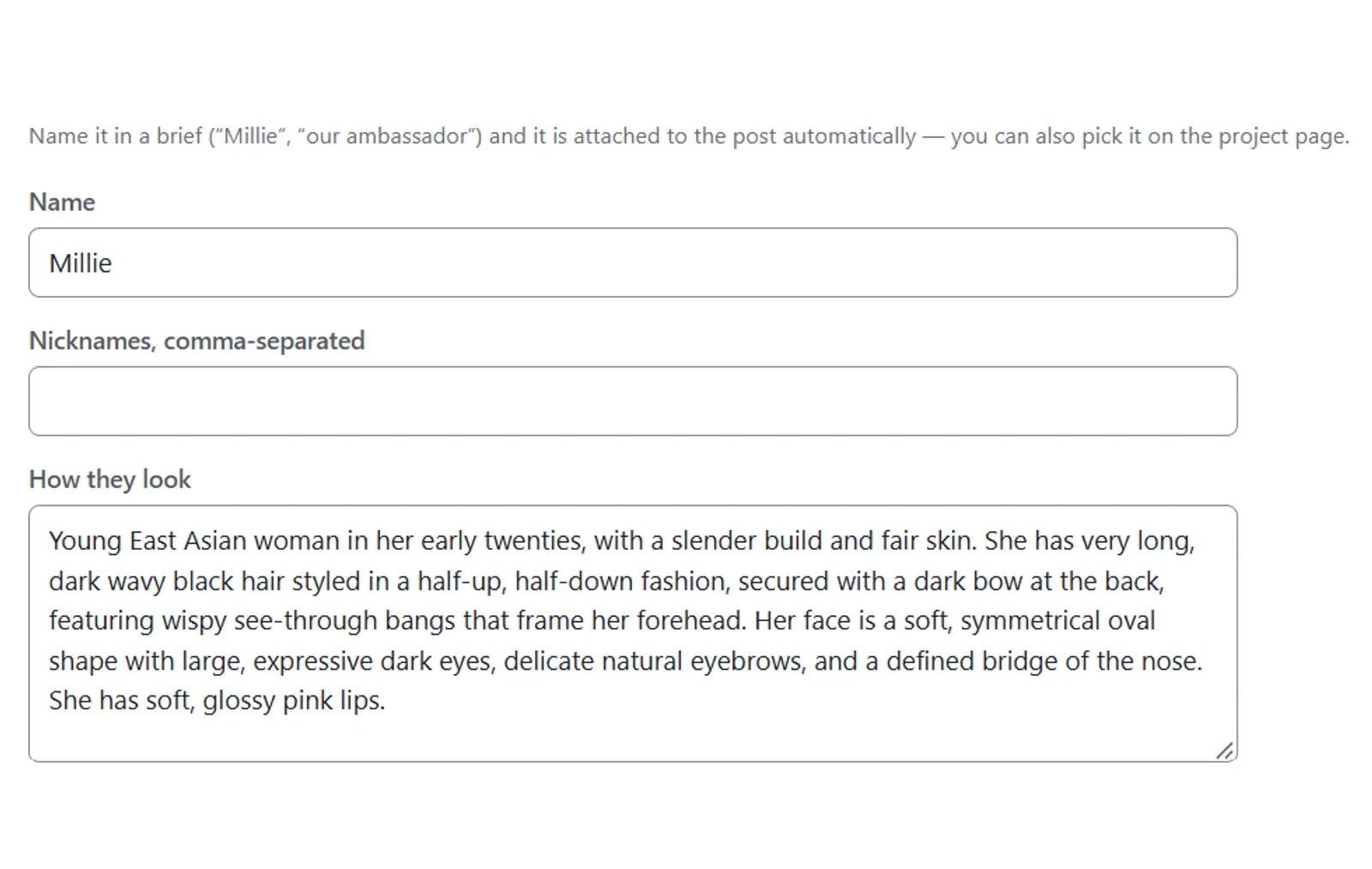
Name them in any brief
Mention a character in the brief and Tapost attaches them automatically.
“Siti introduces our new menu”
“Our mascot celebrates Raya”
Nicknames and other-language names work too, so an English, Malay or Chinese brief finds the same character.
- Benny / Ben
- Siti / Kak Siti
- 小美 / 美美
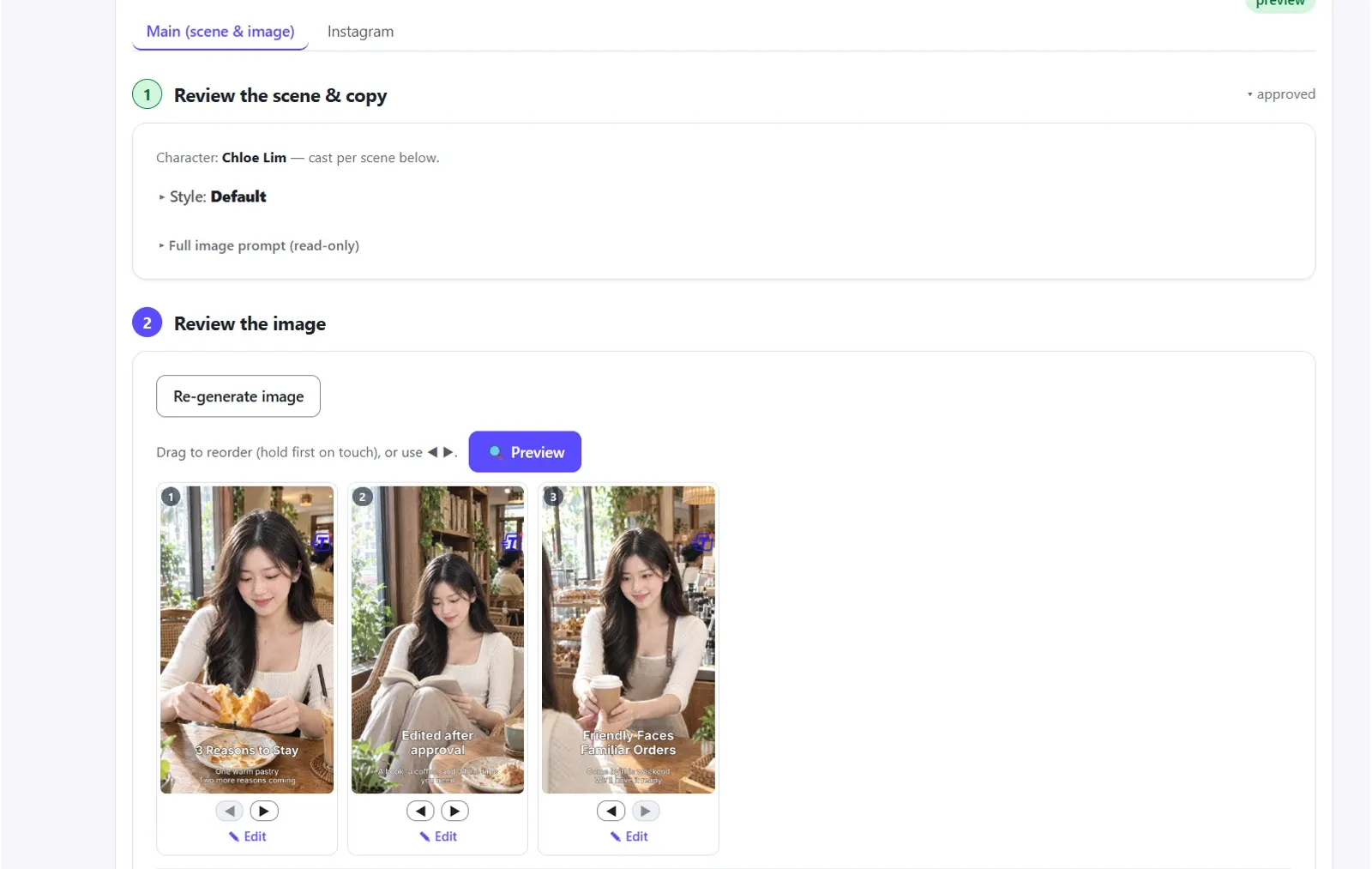
Or pick them in the Character picker
Prefer to choose? Pick who appears in the project’s Character picker — no need to mention them in the brief. The project then shows who’s cast, scene by scene.
Every format
Single posts, carousels, posters and infographics — and when you ask for changes to an image.
Only on the right slides
In a carousel, a character appears on the slides whose scene includes them. They aren’t stamped on every slide.
Dressed for the scene
People wear their work outfit by default and change when the story calls for it — a festive outfit, a beach day. A mascot keeps its signature look.
Captions that know who’s there
Each platform’s captions are written knowing who is in the picture.
Up to three in a post
Put more than one character in the same post — the owner with the mascot, for example.
Cast without asking
Tapost can also put your character into posts on its own, without you naming or picking them.
For brands that want a familiar face
F&B brands with a mascot
Your mascot in the menu launch, the festive promo and the weekly special — recognisable every time.
Clinics and service businesses
A friendly spokesperson in every post, instead of a different stock face each time.
Owner-led businesses
Be in your own posts without a weekly photoshoot. Build your character from your photos once, then name yourself in the brief.
Agencies running several brands
Give each client brand its own characters, and keep every one of them recognisable from post to post.
Questions about characters
Will my character look exactly the same in every post?+−
Can I turn myself or my staff into a character?+−
What happens to a reference photo I upload?+−
Do I have to name the character in every brief?+−
How many characters can appear in one post?+−
Which kinds of posts can characters appear in?+−
Give your brand a face.
Sign up free, or book a 20-minute demo and see Characters on your own brand.